

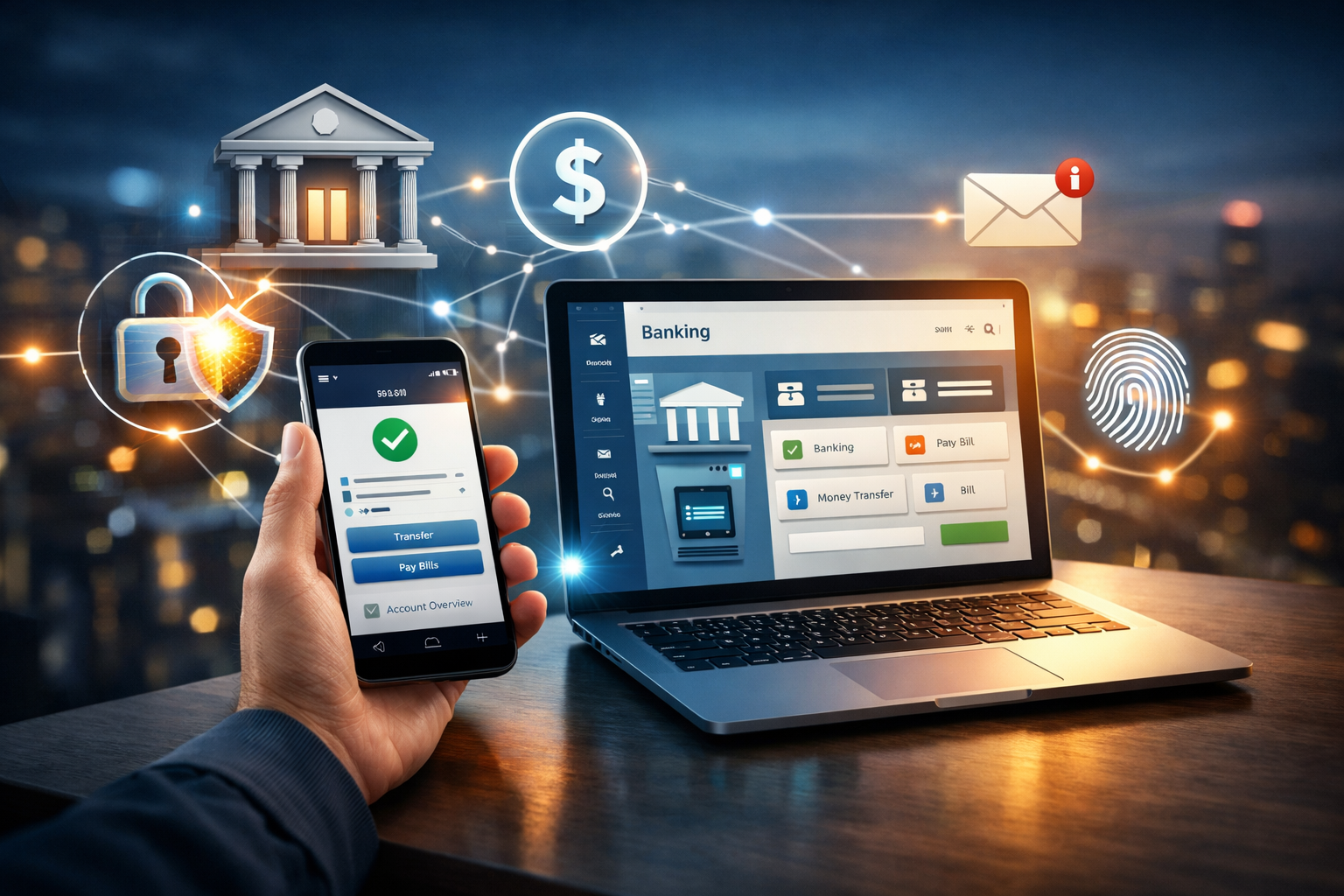
People now handle their money in a whole new way thanks to online banking. You can now check your balances, move money, pay bills, and manage your accounts from your phone or computer at any time and from anywhere. Online banking, on the other hand, might seem confusing or even dangerous to people who are new to it.
This guide breaks down how online banking works into easy-to-understand steps. This article will help you learn about online banking systems, security, benefits, and common features, whether you’re new to digital finance or just interested. It will also help you stay safe online.
What Is Online Banking?
Banks offer a service called online banking, internet banking, or digital banking that lets customers do their banking online.
You don’t have to wait in long lines anymore; you can:
- Check your account balances
- Send money
- Pay your bills
- Get cards or loans
- Get statements to download
The bank gives you a secure website or mobile banking app to do all of this.
How to Use Online Banking (Step by Step)
When you break down how online banking works into simple steps, it becomes easy to understand.
- Sign Up for an Account
You need to have a bank account before you can use online banking. After you open an account, the bank gives you:
- A customer number or user ID
- A temporary PIN or password
- How to get online access
You can usually turn on online banking through the bank’s website, ATM, or branch.
- Safe Login System
The system checks your identity every time you log in with:
- Your username or customer ID
- Password or PIN
- One-Time Password (OTP) sent by email or text message
This makes sure that only the person who owns the account can get to it.
- Encryption and Bank Servers
When you log in, your request goes to the bank’s secure servers. Banks use cutting-edge encryption to keep your information safe.
Encryption turns your data into code that can’t be read, so hackers can’t get sensitive information like passwords or account numbers.
- Processing Transactions in Real Time
When you do something like send money:
- The request is checked
- Checking to see if funds are available
- The deal is done
- You will get a confirmation
Most transactions happen right away or within a few minutes.
Things That Are Common in Online Banking
People who use online banking can take advantage of many useful features.
Managing Your Account
- You can check your balance at any time
- Look at your transaction history
- Get your bank statements
Sending Money
- Move money between accounts at the same bank
- Transfer money to other banks
- Transfers between countries (in some cases)
Paying Bills
- Bills for gas and electricity
- Bills for the internet and cell phone
- Payments made with a credit card
Card and Security Settings
- Block or unblock cards
- Change your ATM PIN
- Allow or stop online transactions
Different Kinds of Online Banking
Today, you can use a variety of online banking services.
-
Online Banking (Web-Based)
You can get to it through a bank’s official website in a browser. Good for people who use computers.
-
Apps for Mobile Banking
Apps for smartphones that offer advanced features, notifications, and biometric login.
-
Banks That Only Work Online
Some banks don’t have any branches and only do business online. These banks only use apps and websites.
Is It Safe to Use Online Banking?
One of the most important things for beginners is safety. The good news is that online banking is very safe if you use it the right way.
Banks use:
- Encryption with SSL
- Firewalls
- Two-step verification (2FA)
- Systems for finding fraud
But users also need to be safe.
Beginner’s Guide to Safe Online Banking
To keep yourself safe when you use online banking:
- Do not give anyone your password or OTP
- Don’t use public Wi-Fi for banking
- Always sign out after using
- Make sure your passwords are strong and one-of-a-kind
- Make sure your phone and apps are up to date
Following these tips makes it much less likely that you will be a victim of fraud.
The Benefits of Online Banking
There are many benefits to online banking for both people and businesses.
Easy to Use
You can get to your bank account 24/7 without going to a branch.
Saving Time
No waiting in line, no paperwork, and transactions happen right away.
More Control Over Your Money
Easily keep track of spending, budgets, and statements.
Less Money
Many online transactions cost less or are free compared to services at a branch.
The Bad Things About Online Banking
There are some problems with online banking, even though it has some benefits.
- Needs to be connected to the internet
- Not good for people who don’t know much about technology
- Users could fall for phishing scams if they aren’t careful
Users can make better choices if they know about these problems.
Online Banking vs. Traditional Banking
Online Banking
- Access all the time
- Fast
- High convenience
- Minimal paperwork
Old-Fashioned Banking
- Only during certain hours
- Slower
- Moderate convenience
- More paperwork
Both systems still work together, but more and more people are choosing online banking.
Who Should Use the Internet for Banking?
Online banking is great for:
- Students keeping track of their money
- Getting paid as a freelancer
- Business owners keeping an eye on their money
- Anyone who likes things to be easy
Even people who are new to it can start with the basics and work their way up to more advanced features.
Definitions of Common Online Banking Terms
- OTP (One-Time Password): A code that can only be used once for logging in or making a transaction
- 2FA: An extra layer of security that needs to be verified
- Encryption: A way to keep data safe
- Beneficiary: The person who gets the money that was sent
It is easier to understand online banking when you know these terms.
The Future of Online Banking
In the future, online banking will include:
- Customer service powered by AI
- Biometric verification
- Transfers between countries that are faster
- Transactions with no cash at all
As technology evolves, online banking will become even more secure and user-friendly.
Questions That People Ask a Lot
Is it free to use online banking?
Most banks let you do your banking online for free, but some services may cost a little bit.
Is it possible to use online banking on any phone?
Yes, as long as the bank’s app and the phone can connect to the internet.
What if I forget my password?
You can reset it on the bank’s official website or by calling customer service.
Is it safe for people who are new to online banking?
Yes, as long as basic security measures are taken.
Final Thoughts
Online banking has changed how people manage their money by making it faster, easier, and more accessible. Learning how to use online banking for the first time takes away fear and gives you confidence. If you know how to stay safe online and follow good security practices, online banking is not only safe but also very easy.
Learning how to use online banking now will help you have a smarter and more efficient financial future as digital finance grows.

